

RecceConnect
Two devices. One crew.
RecceConnect links Driver and Co-driver and keeps the run ready for the next stage.
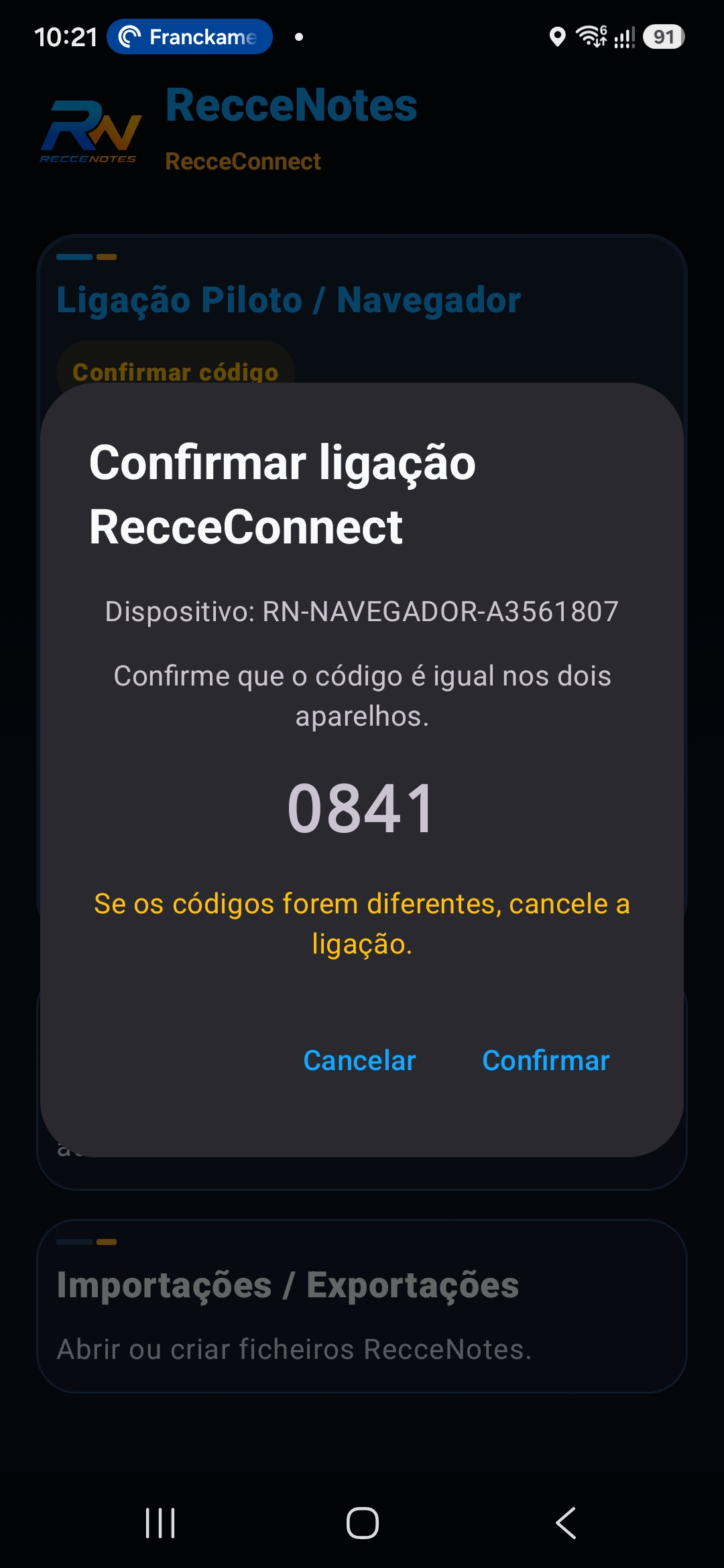
Phone · confirm
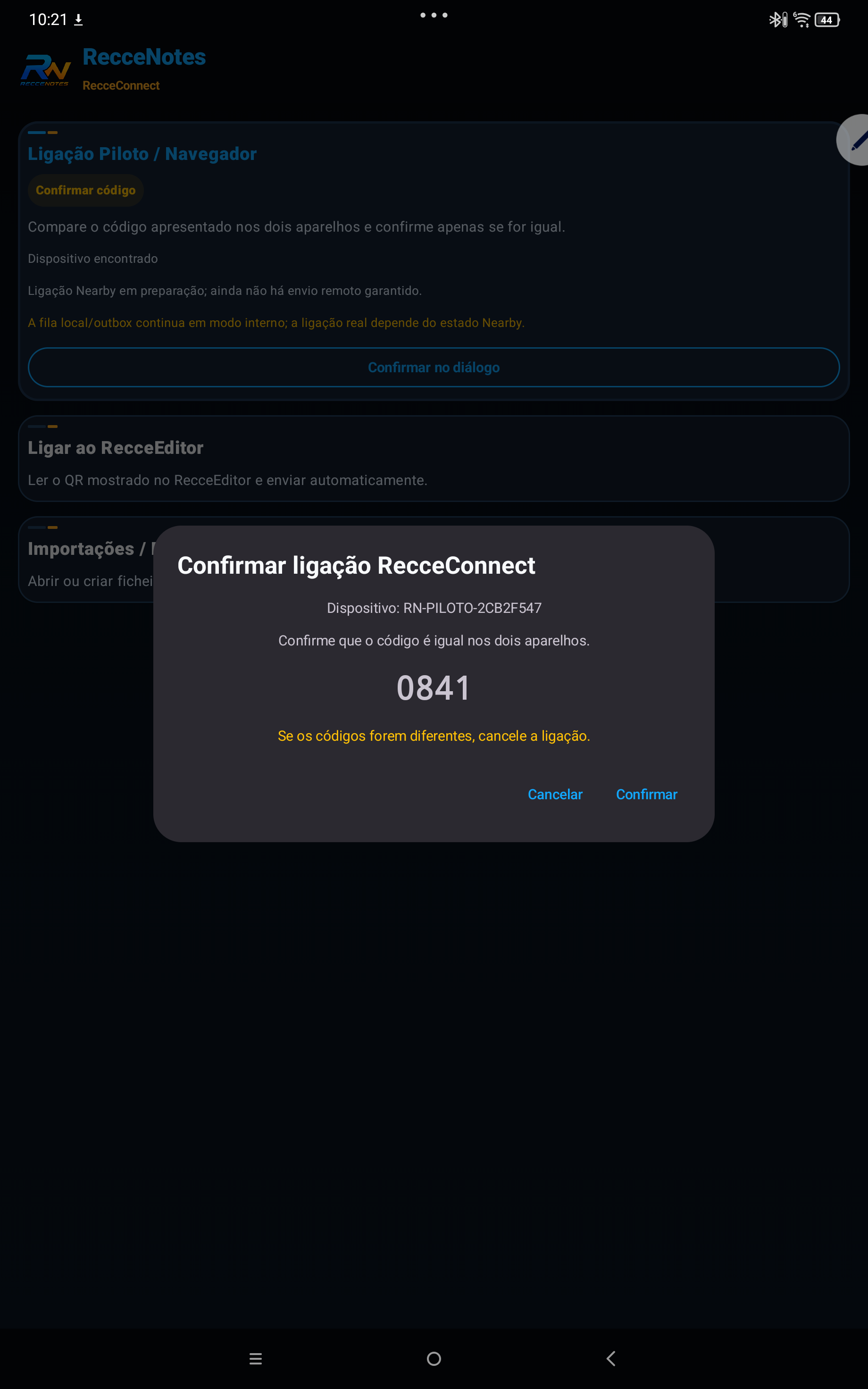
Tablet · confirm
The same code 0841 confirms the crew
Guided connection
Confirm before sharing.
The connection must make clear who is Driver, who is Co-driver and which stage is being shared.
Clarity
Connection status and crew roles remain visible.
Control
The crew confirms the connection before continuing.
Continuity
The same run follows the workflow through to RecceEditor.
02
Next stage
Take the run to the computer.
In RecceEditor, video, map and notes come together again for contextual review and notebook preparation.